
No products in the cart.
Need to write your first user guide but don’t know where to start? Maybe these templates can help. For less than 10 dollars, they’ll save you a lot of time, improve your writing, and help deliver a professional-looking document. What’s not to like about that?
For over twenty years, we’ve written user guides for IBM, the US Dept. of Justice, NEC, and Intel. We’ve also helped people get started in technical documentation. To do this, we’ve created simple to follow user guide templates with checklists, forms, and guidelines. These will help you get started and check the quality of your work when you’re finished. You can use the templates to create other manuals, getting started guides and different types of technical documentation. And, of course, you can modify them to make different kinds of documents. There are no restrictions or limitations on the MS Word documents.
These templates work on MS Word 2003 all the way to the highest version of MS Word and Apple Mac computers. You can even open them in Google Docs. The templates were designed by our partners at Klariti Ltd.
User Guide Templates (5 x MS Word)
Our User Guide templates can be used to create user guides, user manuals, getting started guides and other types of technical documents. A User Guide is an online or printed book that describes how to use a software application.
Download Now for $9.99 – Buy Here!

Includes the following templates
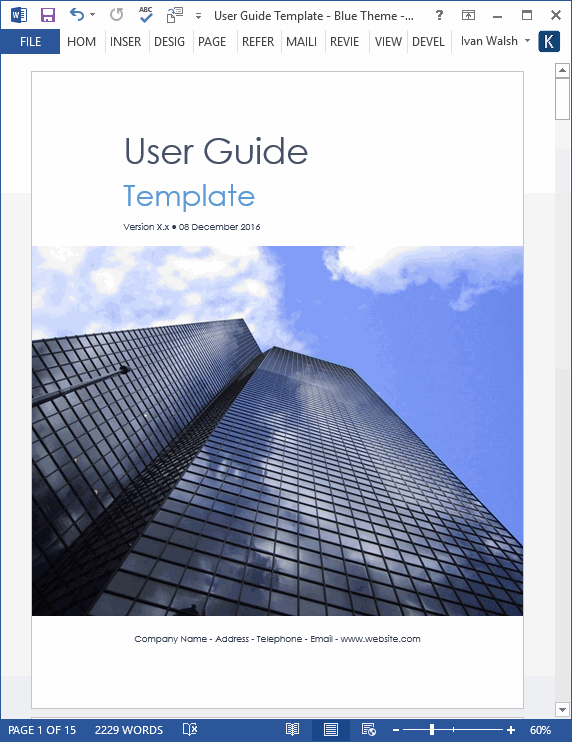
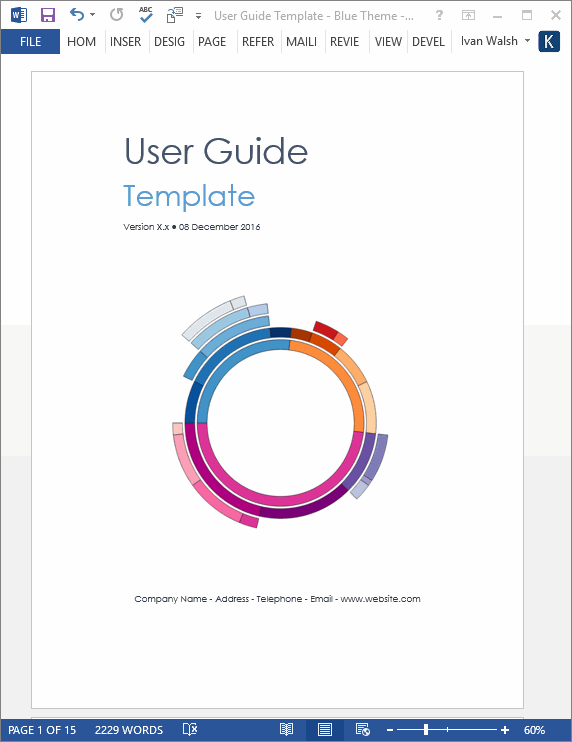
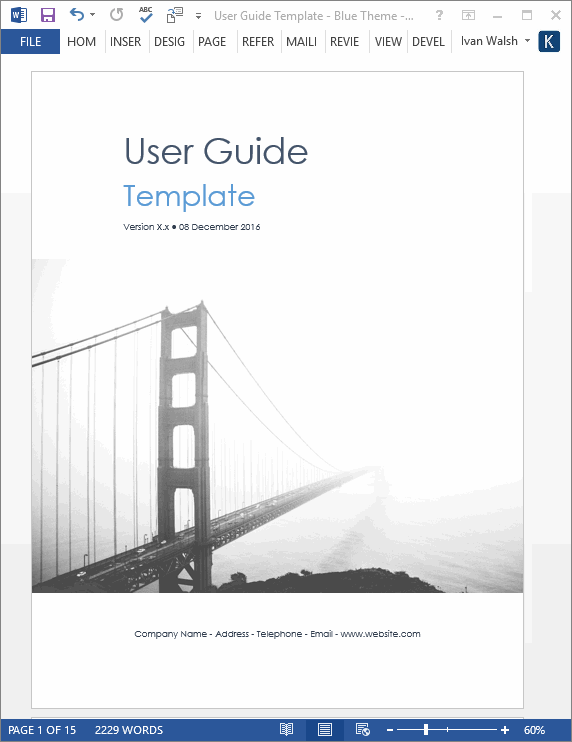
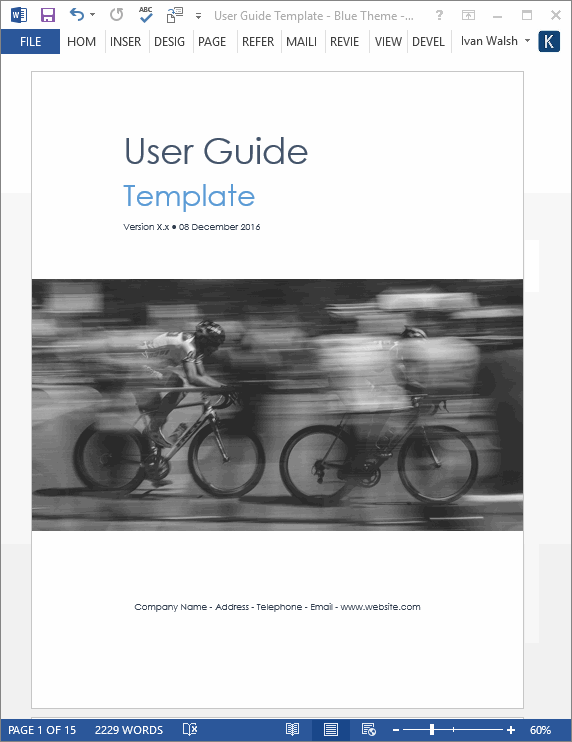
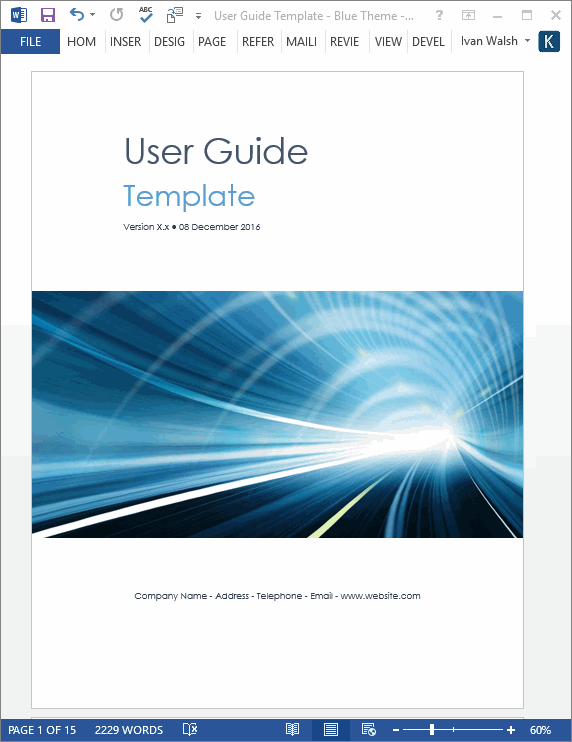
User Guide Template: Table of Contents
1. Introduction
1.1. Purpose
1.2. Scope
1.3. System Organization2. Describing the System
2.1. Key Features
2.2. Inventory
2.3. Environment
2.4. System Operations3. Installing, Starting and Stopping the System
3.1. First-time Users
3.2. Access Control
3.3. Installing the system
3.4. Starting the system
3.5. Stopping and Suspending the system4. Step by Step Instructions for using the system
4.1. Instructions
4.2. Conventions
4.3. Errors, Malfunctions, and Emergencies
4.4. Messages
4.5. Quick-Reference5. How to use this template
5.1. How to add your logo to the cover page
5.2. How to add your logo to the header
5.3. Updating the Table of Contents
5.4. Adding Notes
5.5. Adding Warnings
5.6. Adding Comments
5.7. Bullet Lists
5.8. Numbered List
5.9. Adding Code Samples
5.10. Samples Tables6. Appendix A – Reference Documents
7. Appendix B – Glossary of Terms
User Guide Template: Sample Screenshots
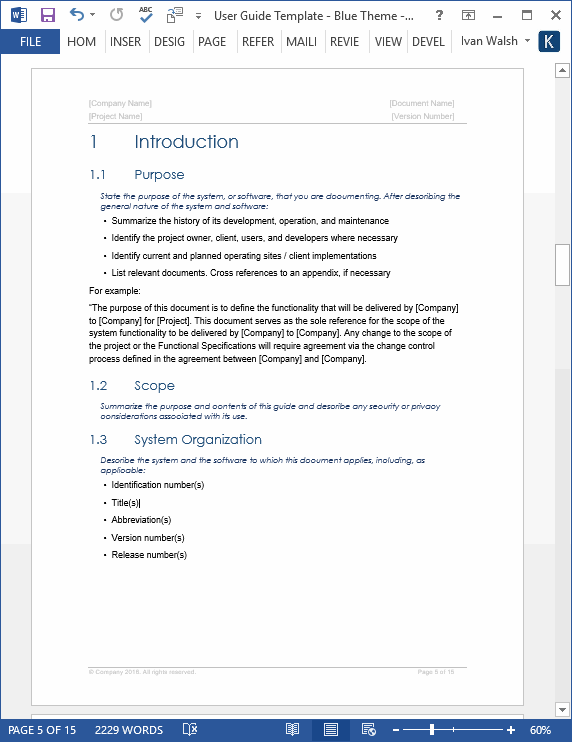
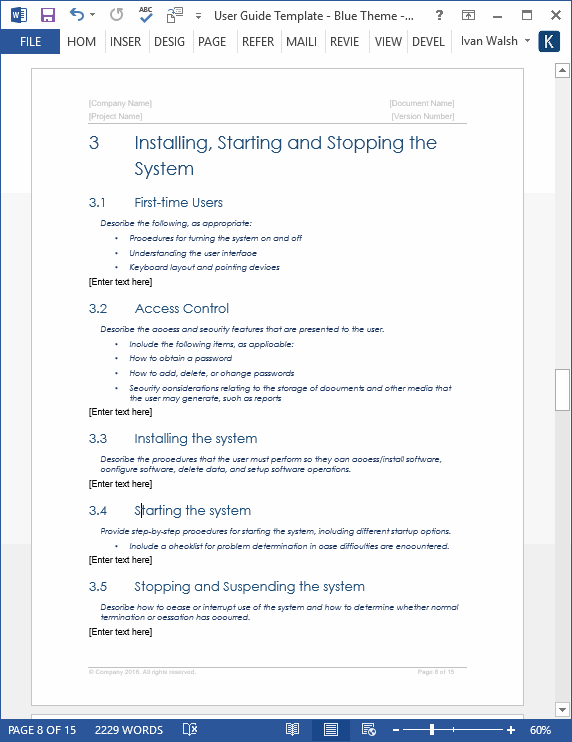
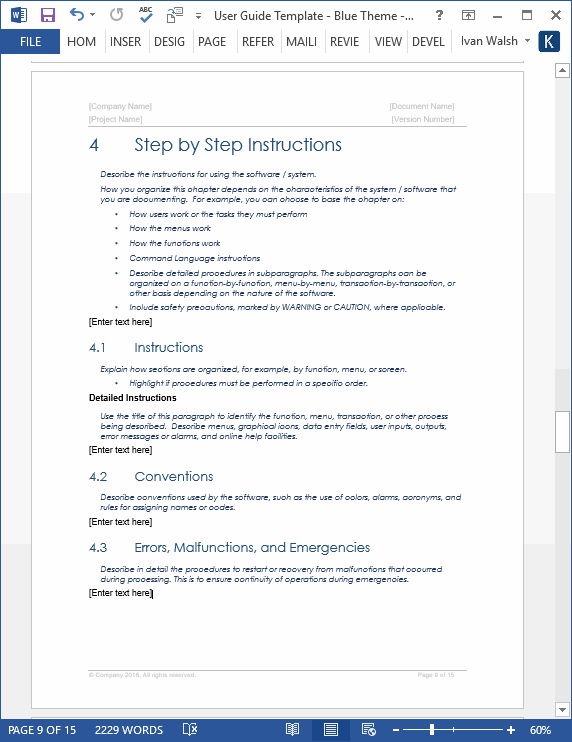
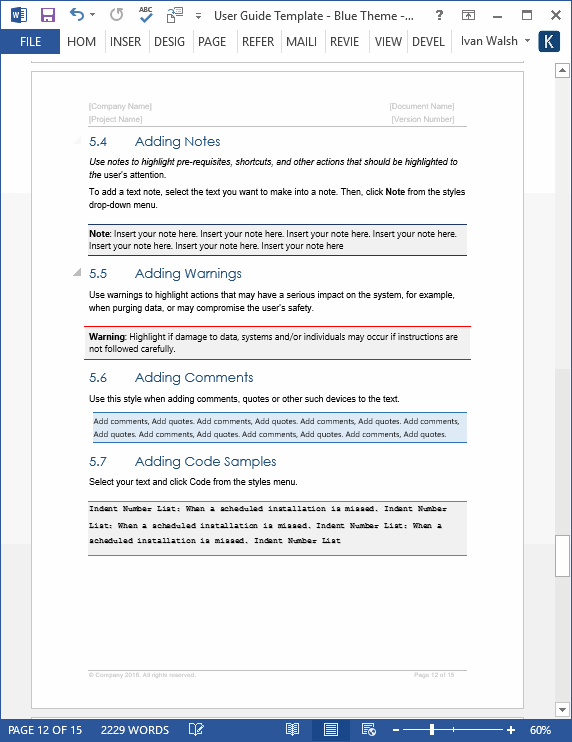
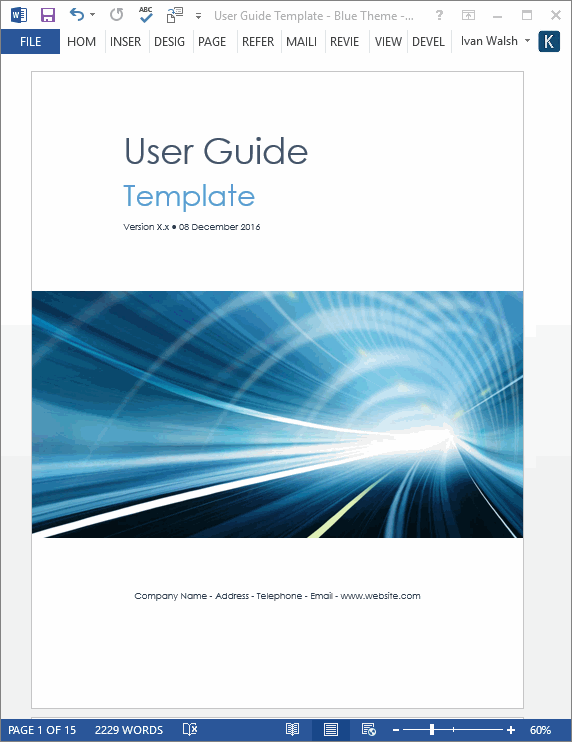
Samples pages on how to use the templates.

Table of contents of the user guide

About this Guide section highlights how the document is organized, who should use it, and typographical conventions used in the guide

Instructions on updating the Table of Contents and adding notes
User Guide Template: Sample Forms


User Guide Template: Content & Format
All templates are in Microsoft Word format (.doc) and can be download online for only $9.99.
The template pack includes the following documents:
| 5 x User Guide Templates | 22 pages each |  |
| 1 x Information Product Checklist1 x User Guide Checklist 1 x User Guide Final Check | 7 Forms | |
Download Now for $9.99 – Buy Here!